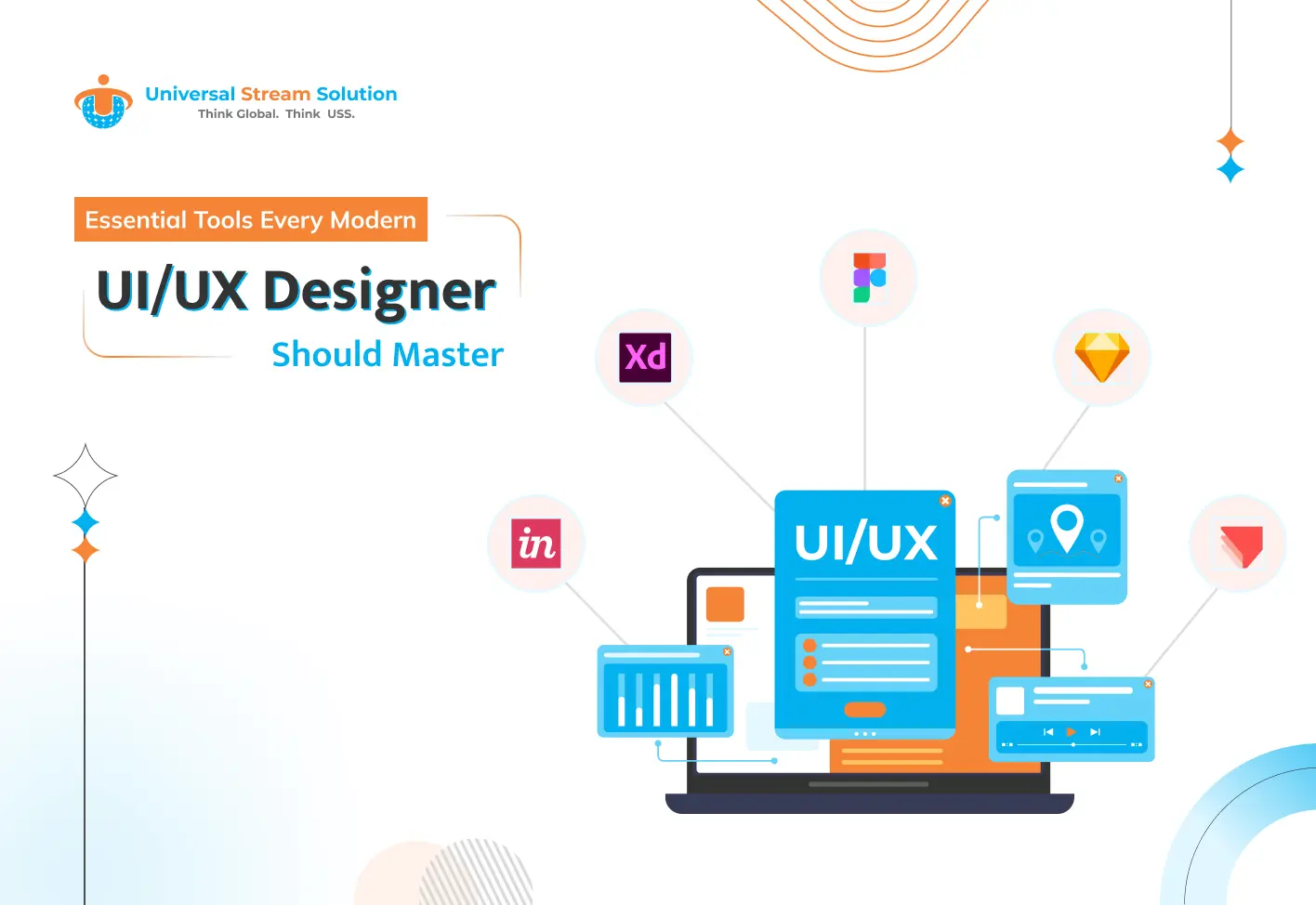
Essential Tools Every Modern UI/UX Designer Should Master

 6th March, 2026
 6 min read


Table Of Contents
- Introduction
- Why UI/UX Tools Matter in Modern Design
- Figma – The Collaborative Design Powerhouse
- Adobe XD – Powerful Prototyping and Interaction Design
- Sketch – A Longtime Favorite for UI Design
- InVision – Transforming Designs into Interactive Experiences
- Axure RP – Advanced Prototyping for Complex Projects
- Balsamiq – Rapid Wireframing Made Simple
- Maze – User Testing and Feedback Platform
- Zeplin – Bridging the Gap Between Designers and Developers
- Miro – Collaborative Brainstorming and User Journey Mapping
- Hotjar – Understanding Real User Behavior
- How Choosing the Right Tools Improves UX Design
- Future Trends in UI/UX Design Tools
- Final Thoughts
Introduction
In today’s digital-first world, UI/UX design plays a critical role in shaping how users interact with websites, applications, and digital products. A well-designed interface not only looks appealing but also provides a seamless and intuitive experience that keeps users engaged.
For modern businesses, investing in high-quality user experience is no longer optional. According to industry research, companies that prioritize UX design often see higher conversion rates, improved customer satisfaction, and stronger brand loyalty.
However, achieving great design requires more than creativity. Modern UI/UX designers rely on powerful tools that help them research, prototype, collaborate, and test their designs efficiently. These tools streamline workflows, enhance collaboration among teams, and ensure that design decisions are based on data and user insights.
In this blog, we’ll explore the essential tools every modern UI/UX designer should master to stay competitive in the evolving digital landscape.
1. Why UI/UX Tools Matter in Modern Design
Before diving into the tools themselves, it’s important to understand why they are essential.
Modern design projects involve multiple stages including research, wireframing, prototyping, collaboration, testing, and handoff to developers. Without the right tools, managing this workflow can become inefficient and time-consuming.
UI/UX tools help designers:
- Create visually appealing and user-friendly interfaces
- Prototype and test ideas quickly
- Collaborate with developers and stakeholders
- Conduct usability testing and gather feedback
- Improve overall productivity and design consistency
By mastering these tools, designers can transform creative ideas into functional, user-centered digital experiences.
2. Figma – The Collaborative Design Powerhouse
Figma has become one of the most popular tools in the UI/UX design industry due to its cloud-based collaboration capabilities.
Unlike traditional design tools, Figma allows multiple designers, developers, and stakeholders to work on the same project simultaneously.
Key Features
- Real-time collaboration
- Vector editing tools
- Interactive prototyping
- Design systems and reusable components
- Cloud-based accessibility
Why Designers Love Figma
Figma simplifies teamwork by enabling instant feedback and collaboration. Designers can create responsive layouts, interactive prototypes, and scalable design systems without switching between multiple tools.
For modern teams working remotely or across different locations, Figma significantly improves workflow efficiency.
3. Adobe XD – Powerful Prototyping and Interaction Design
Adobe XD is another widely used UI/UX design tool that focuses on creating wireframes, interactive prototypes, and user flows.
Part of the Adobe Creative Cloud ecosystem, Adobe XD integrates seamlessly with tools like Photoshop and Illustrator.
Key Features
- Interactive prototyping
- Auto-animate transitions
- Voice interface design
- Design system libraries
- Design system libraries
Why It’s Important
Adobe XD allows designers to quickly transform static layouts into interactive experiences, helping stakeholders understand how a product will function before development begins.
This reduces misunderstandings and accelerates product development.
4. Sketch – A Longtime Favorite for UI Design
Sketch has been a staple tool for UI designers for many years, particularly among macOS users.
It is widely recognized for its vector-based interface design capabilities and extensive plugin ecosystem.
Key Features
- Vector-based design tools
- Reusable symbols and components
- Design libraries
- Third-party plugin integrations
- Collaborative workflows
Why Designers Use Sketch
Sketch allows designers to create highly detailed user interfaces while maintaining consistency across projects.
Its plugin ecosystem provides additional capabilities such as animation tools, usability testing integrations, and developer handoff features.
5. InVision – Transforming Designs into Interactive Experiences
InVision is a powerful platform that helps designers turn static screens into fully interactive prototypes.
It enables teams to visualize user flows and interactions before development begins.
Key Features
- Interactive prototyping
- Design collaboration
- Real-time feedback and comments
- Design handoff for developers
- Workflow management tools
Benefits for UI/UX Designers
InVision makes it easier to present design concepts to stakeholders and clients. Instead of explaining how a product will work, designers can demonstrate a fully interactive prototype.
This improves communication and reduces the risk of costly design revisions, making it an essential approach for businesses investing in UI/UX design services to create efficient and user-centered digital products.
6. Axure RP – Advanced Prototyping for Complex Projects
Axure RP is a powerful tool used for creating detailed wireframes and complex interactive prototypes.
Unlike simpler prototyping tools, Axure allows designers to simulate advanced user interactions and logic.
Key Features
- Advanced wireframing capabilities
- Conditional logic and dynamic content
- Detailed documentation
- Interactive prototypes
- Team collaboration tools
Why It Stands Out
Axure is particularly useful for enterprise-level applications or complex digital products where user flows and interactions are more advanced.
Designers can create highly functional prototypes that closely mimic real-world applications.
7. Balsamiq – Rapid Wireframing Made Simple
Balsamiq is a tool specifically designed for low-fidelity wireframing.
Its hand-drawn style encourages designers to focus on structure and functionality rather than visual details.
Key Features
- Drag-and-drop interface
- Pre-built UI components
- Simple wireframe creation
- Quick idea visualization
Why It’s Useful
Balsamiq helps teams quickly brainstorm and visualize ideas without getting distracted by design aesthetics.
It’s especially valuable during the early stages of product design when concepts are still evolving.
8. Maze – User Testing and Feedback Platform
Designing a beautiful interface is not enough. Understanding how real users interact with your product is essential.
Maze is a usability testing platform that integrates with popular design tools like Figma and Adobe XD.
Key Features
- User testing and analytics
- Task-based usability testing
- Heatmaps and interaction data
- Design validation
Why It Matters
Maze helps designers make data-driven decisions by providing insights into how users navigate and interact with their designs.
This ensures that design improvements are based on actual user behavior rather than assumptions.
9. Zeplin – Bridging the Gap Between Designers and Developers
One of the biggest challenges in UI/UX design is the handoff process between designers and developers.
Zeplin simplifies this process by converting design files into developer-friendly specifications.
Key Features
- Design specifications
- Style guides
- Asset management
- Collaboration tools
Benefits
Zeplin ensures that developers receive accurate measurements, colors, fonts, and assets, reducing miscommunication and speeding up development.
10. Miro – Collaborative Brainstorming and User Journey Mapping
UI/UX design often begins with brainstorming, user journey mapping, and ideation.
Miro is a collaborative online whiteboard that helps teams visualize ideas and plan product experiences.
Key Features
- Infinite canvas for brainstorming
- User journey mapping templates
- Team collaboration tools
- Team collaboration tools
Why It’s Valuable
Miro helps teams align their ideas before moving into design, ensuring that every design decision supports the overall user experience strategy.
11. Hotjar – Understanding Real User Behavior
Hotjar is a behavioral analytics tool that helps designers understand how users interact with websites and applications.
Key Features
- Heatmaps
- Session recordings
- User surveys
- Feedback tools
Why Designers Use It
Hotjar provides valuable insights into user behavior, navigation patterns, and usability issues, allowing designers to improve digital experiences based on real data.
12. How Choosing the Right Tools Improves UX Design
The right combination of UI/UX tools allows designers to:
- Improve design efficiency
- Test and validate ideas faster
- Collaborate better with teams
- Create consistent design systems
- Deliver user-centered digital products
Modern UI/UX designers often combine multiple tools to create a complete design workflow from research to development handoff.
13. Future Trends in UI/UX Design Tools
The UI/UX design landscape is evolving rapidly. Emerging technologies are shaping the future of design tools.
Some key trends include:
AI-Powered Design Assistance
AI tools are helping designers automate repetitive tasks such as layout generation, design suggestions, and accessibility improvements.
Real-Time Collaboration
Cloud-based platforms are making it easier for distributed teams to collaborate in real time.
Advanced Prototyping
Future tools will allow designers to create highly realistic simulations of digital products before development begins.
Integration with Development Platforms
Modern design tools are increasingly integrating with coding environments to streamline the transition from design to development.
Final Thoughts
The role of a UI/UX designer has evolved significantly over the past decade. Today’s designers are expected to combine creativity with technical knowledge, research skills, and data-driven decision-making.
Mastering the right tools is essential for delivering intuitive, engaging, and high-performing digital experiences.
From collaborative platforms like Figma to usability testing tools like Maze and Hotjar, each tool plays a unique role in the design process. By leveraging these technologies effectively, designers can build products that not only look great but also provide meaningful value to users.
As digital experiences continue to evolve, staying updated with the latest UI/UX design tools and trends will be key to remaining competitive in the industry. If you want to create user-focused digital products for your business, speak with our experts to explore the best UI/UX design strategies tailored to your needs.
Nirav Mehta

Nirav Mehta is an innovative UI/UX Designer with a passion for crafting user-friendly and visually compelling digital experiences. Skilled in user research, interface design, and product usability, he focuses on creating designs that balance creativity with functionality. Nirav’s design philosophy centers on empathy, simplicity, and seamless user interaction.
Related Blogs




 +91 9638225549
 sales@universalstreamsolution.com


